How to Set Up Ride Share for an Elderly Parent
The easiest setup puts the account on your phone or theirs, with you managing payment and their regular trips saved ahead of time.
Free to compare
Set up the account yourself, then add your parent to it
The most reliable way to do this is to create the ride share account using your own email and your own payment card, then either install the app on your parent's phone under their profile or keep the app on your phone and request rides for them from wherever you are. Both work. The difference is whether your parent needs to tap a button themselves or whether they just need to be ready when the car arrives.
Most families start with requesting rides remotely, since it avoids teaching a new app to someone who may not want to learn one. Once that's working, some add the app to the parent's own phone for the trips they want to book themselves, like a regular hair appointment or a standing lunch with friends.
How comfortable your parent is with a smartphone
If your parent already uses a smartphone for texting or photos, they can likely learn to request a ride themselves, especially if you set up their favorite addresses ahead of time so they're one tap away. Ride share apps let you save a home address, a doctor's office, a pharmacy, or a relative's house as a saved place, which removes the need to type anything.
If a smartphone isn't something they use or want to use, you don't need one in their hands at all. You can request a ride for them from your own phone no matter where you are, and the app will text their phone with the driver's name, car description, and arrival time. A flip phone or any phone that can receive texts is enough for that.
Some services also offer a way to request rides without a smartphone, through a phone call or a text to a number instead of the app. This isn't available everywhere, so it's worth checking directly with the ride share company's site for your parent's city before assuming it exists.
What most people forget to set up ahead of time
The payment method is the part that trips people up. If you create the account under your own name, your card is what gets charged, which means you'll want to decide ahead of time whether that's the arrangement you want or whether your parent should have their own card linked instead.
The other thing worth doing early is saving trusted contacts in the app, so that someone like you gets a notification when your parent's ride starts and ends. This gives you a way to check that a ride actually happened without having to ask.
It also helps to walk through one ride together before your parent ever takes one alone, so they know what the car will look like, how the driver will greet them, and what to do if the car doesn't match what the app described. A short practice run in person solves most of the confusion that would otherwise happen on a real trip.
Questions people ask about this
Can I request a ride for my parent without being in the car with them?
Yes, this is one of the main reasons families use ride share for an elderly parent. You open the app on your own phone, enter their pickup and drop-off address, and the driver is sent to them while you're wherever you are. Your parent gets a text with the car and driver details.
How does my parent pay if I set up the account?
Whatever payment method is linked to the account is what gets charged, so if you created the account, it's typically your card. Some families prefer to add a separate card for the parent to use, which keeps the charges separate and easier to track.
What if my parent can't use a touchscreen easily?
You can do all the booking from your own phone, so your parent never has to touch a screen at all. They only need to be ready at the pickup time and able to recognize the car when it arrives.
Is ride share safer than my parent driving themselves?
This depends on your parent's specific driving ability and health, which isn't something a general answer can settle. It's worth talking with their doctor if vision, reaction time, or medication side effects are a concern alongside the decision to use ride share.
Will using ride share instead of driving lower my parent's car insurance?
Not driving as often doesn't automatically lower a premium on its own. If your parent is driving less, it's worth asking their insurer directly whether their policy has an option based on mileage or reduced use, since this varies by insurer.
If your parent is driving less, it's worth seeing what that could mean for their policy.
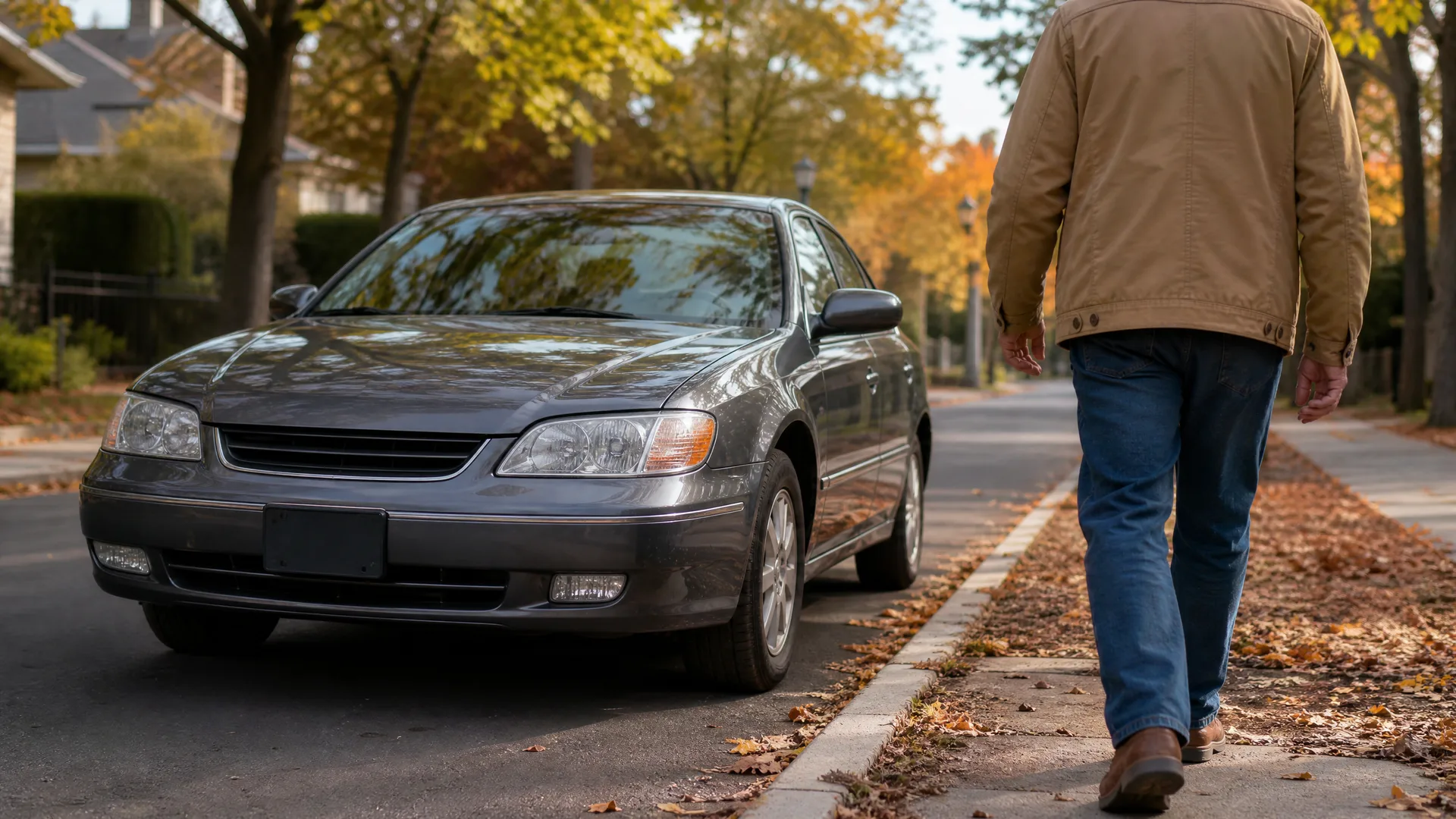
Start by creating the account yourself and saving your parent's most common destinations as favorites, like their doctor's office or a family member's house. Decide which payment card will be linked before the first ride, so there's no confusion later. Take one practice ride together so your parent knows what to expect, including what the car and driver look like in the app. If your parent wants to request rides on their own phone eventually, set that up as a second step once the basics feel familiar. And if your parent is now driving less often, call their insurance agent to ask whether that changes anything about their policy.